Multi-Factor Authentication (MFA)
Multi-Factor Authentication (MFA) adds an extra security layer to your OpenCVE account. In addition to your password, you must confirm login with a one-time code (OTP).
This is important for companies as it helps protect sensitive vulnerability data, even if a password is leaked or reused.
Enable MFA on your account
To enable MFA, go to your account settings page: https://app.opencve.io/settings/2fa/
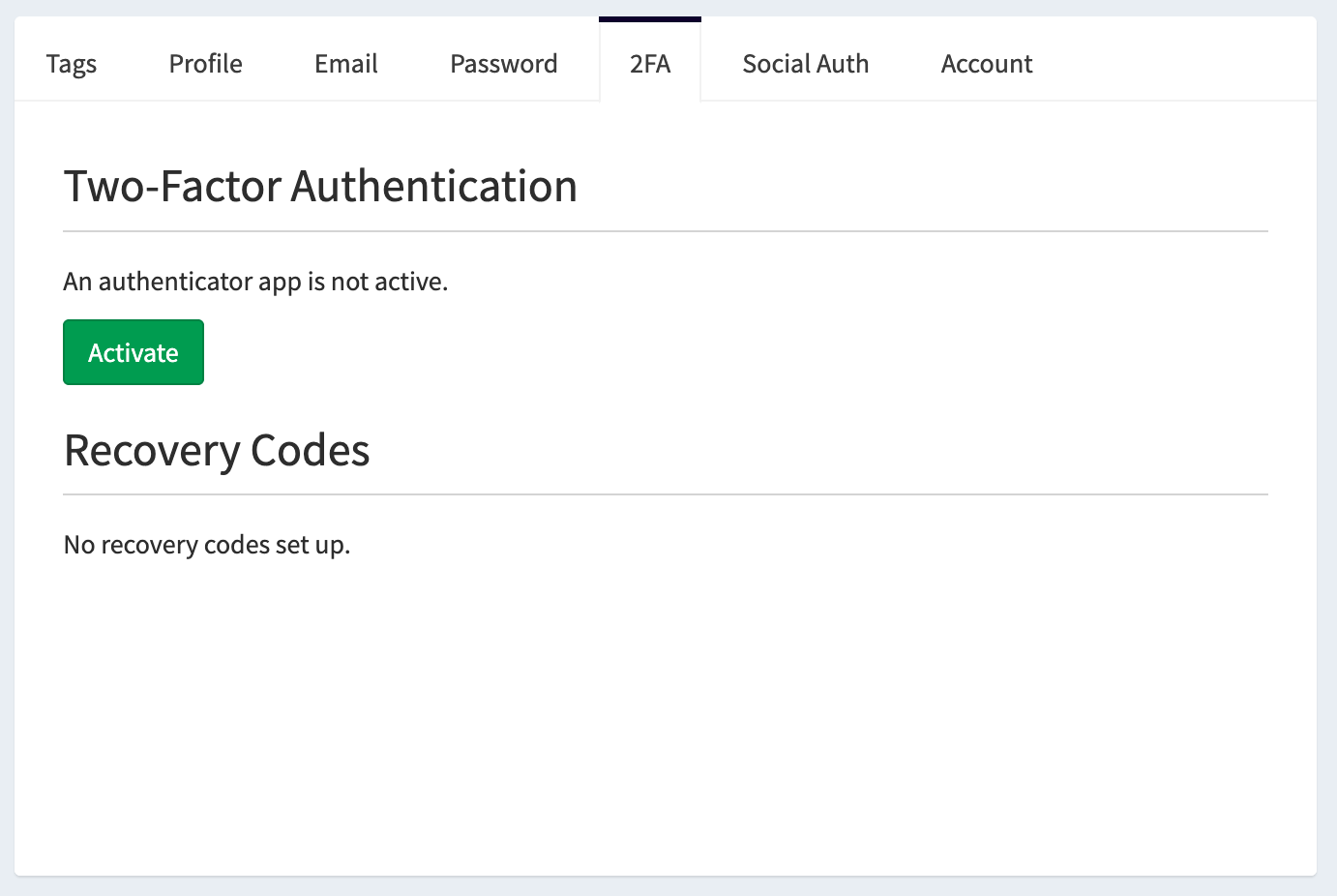
On this page:
- Click Activate.
- Scan the QR code with your authenticator app.
- Enter the OTP code shown by your app.
- Confirm activation.
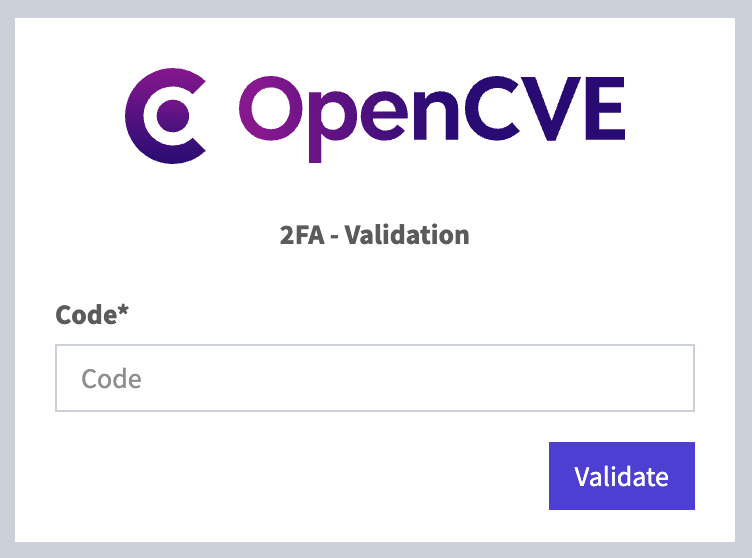
Once MFA is enabled, each new login will require your one-time OTP code.
MFA Enforcement for organizations
Enterprise Cloud only
MFA Enforcement is available only on the Enterprise plan of the OpenCVE.io Cloud offering.
Organization owners can enforce MFA for all members of their organization.
To enable it:
- Go to your organization settings.
- Open the General tab.
- In the MFA Enforcement section, enable Require MFA for all members.
- Save your changes.
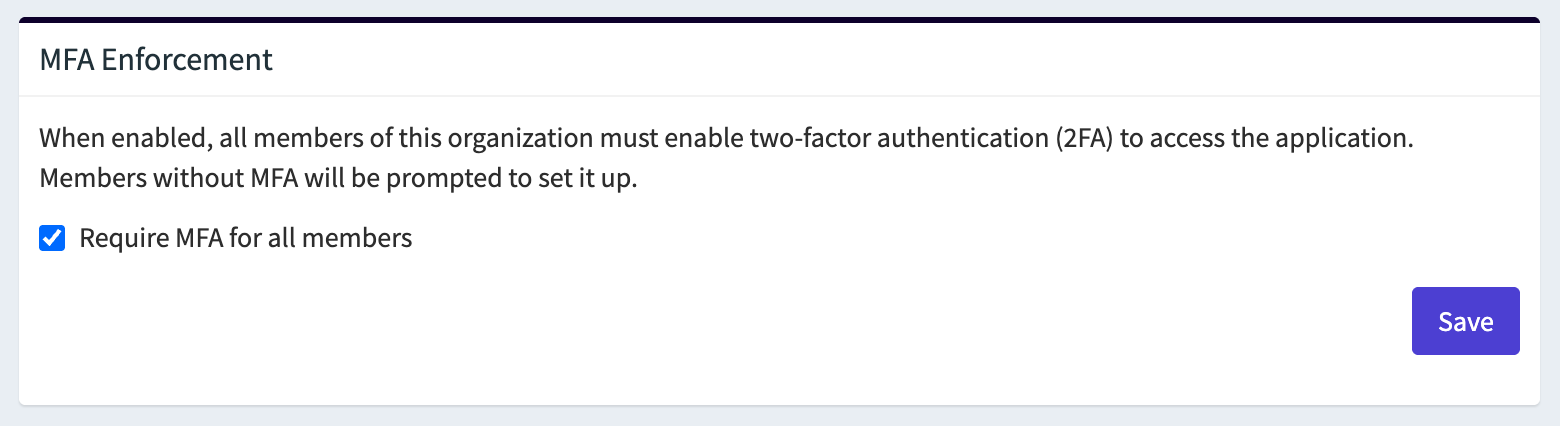
After MFA Enforcement is enabled, users who did not activate MFA can no longer browse OpenCVE pages. They are automatically redirected to the MFA activation page until MFA is enabled on their account.